
API token
The API token is the credential your systems use to authenticate against the Brinta API.
Company Management › API & Integrations › API Token
One token per environment
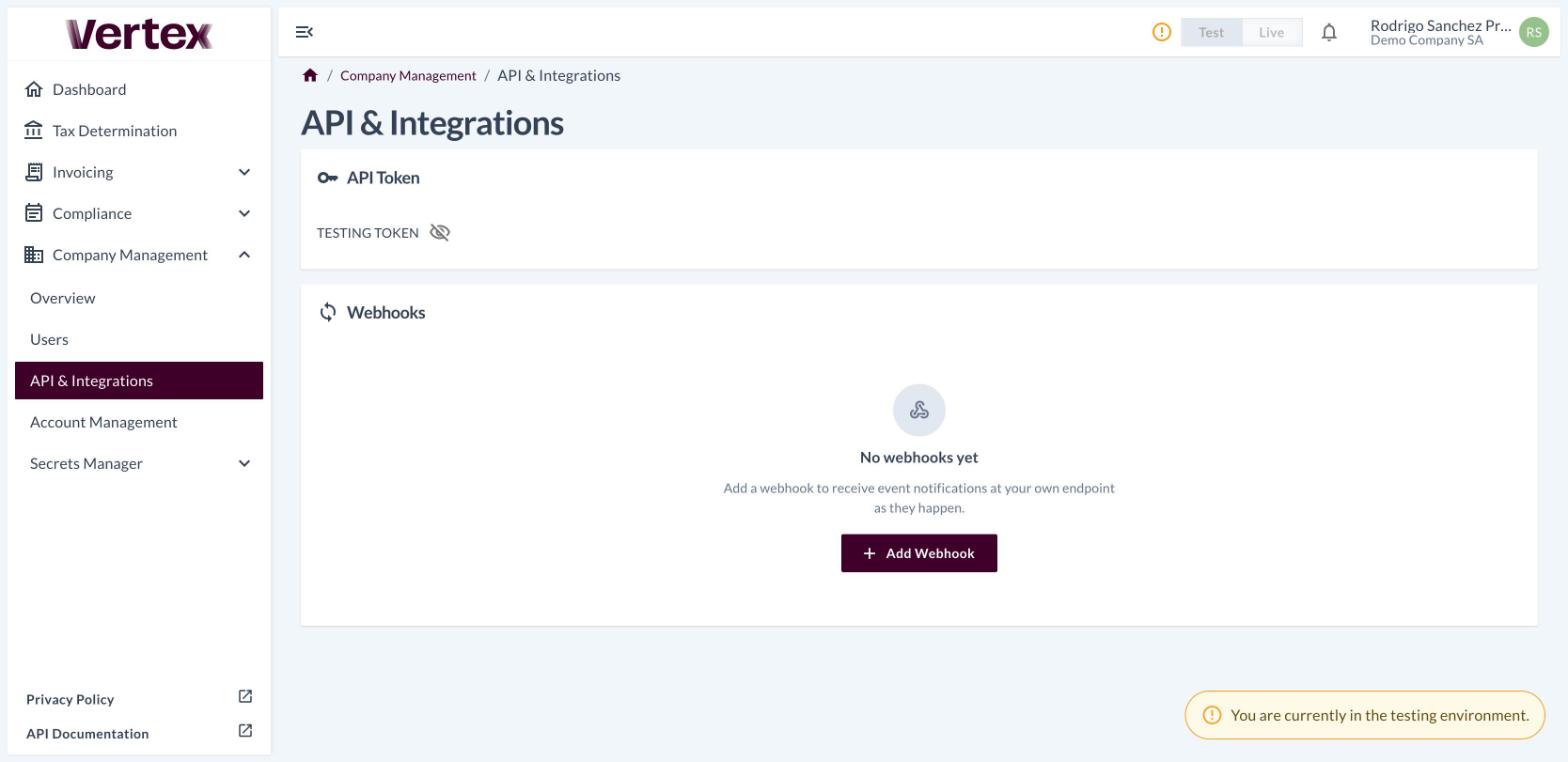
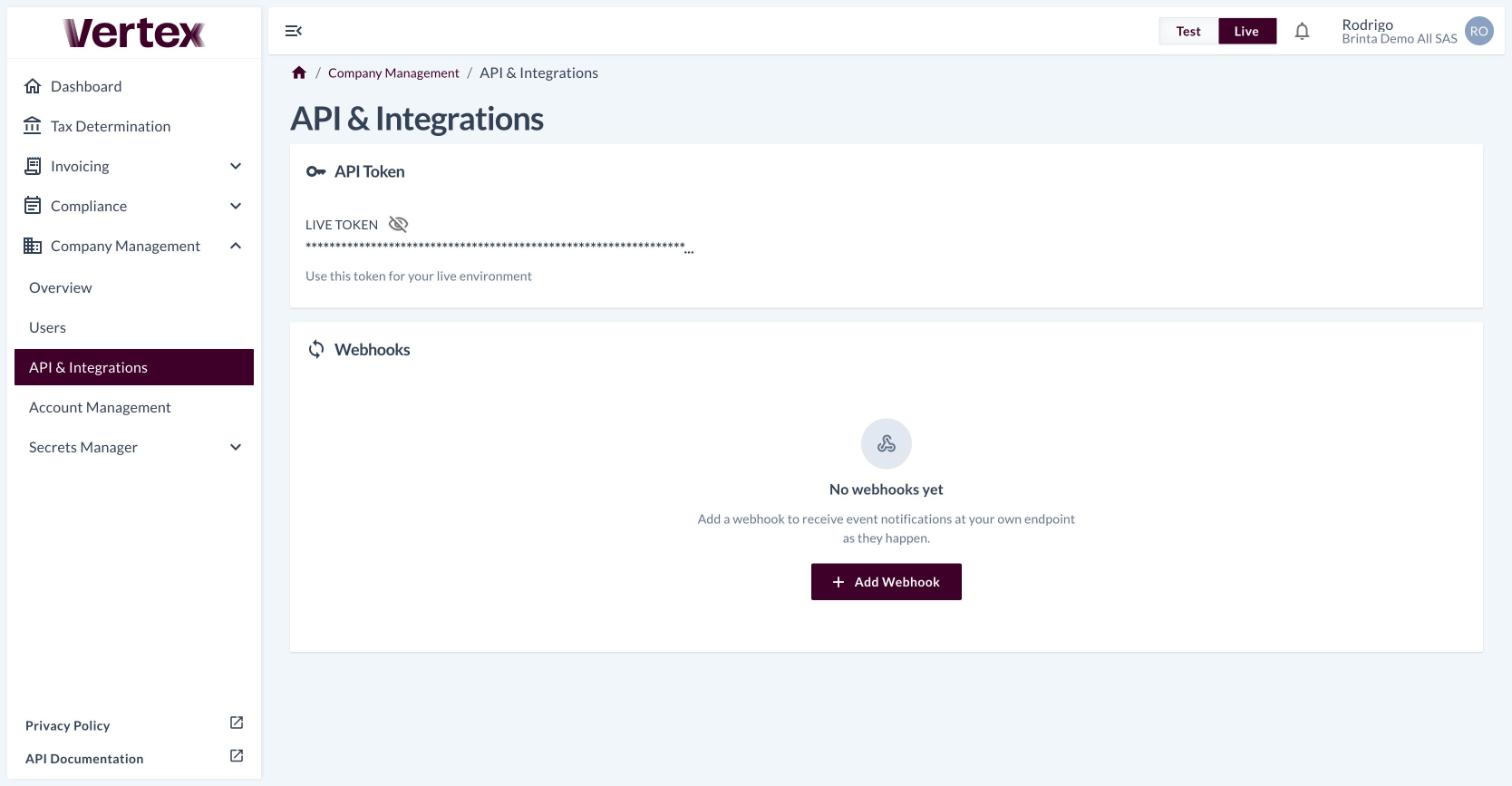
The Dashboard has a Test / Live switch at the top right. The API Token card shows the token of the environment you are in: with Test selected you see the TESTING TOKEN, and with Live selected the LIVE TOKEN, to use in your live environment.
A new account starts with an empty TESTING TOKEN: the label is there, but there is no token to reveal until Brinta enables it. Ask your team at Brinta.
Get your token
- Choose Test or Live at the top right.
- Go to Company Management › API & Integrations.
- In the API Token card, click the eye icon to reveal the token. It is hidden by default.
- Copy it into your integration's secret store.
Keep it safe
- Treat the token like a password. Anyone who has it can act on your companies through the API.
- Store it in a secret manager. Do not put it in source code, tickets or chat.
- If you think it was exposed, contact your team at Brinta.
Who can see it
Owner, Admin, Developer and Operator & Transmitter can view the token. See Roles & Permissions.
Updated about 5 hours ago
Did this page help you?