For AI agents: the docs index is at https://docs.brinta.com/llms.txt. Append .md to any documentation page URL to get its markdown version.
-
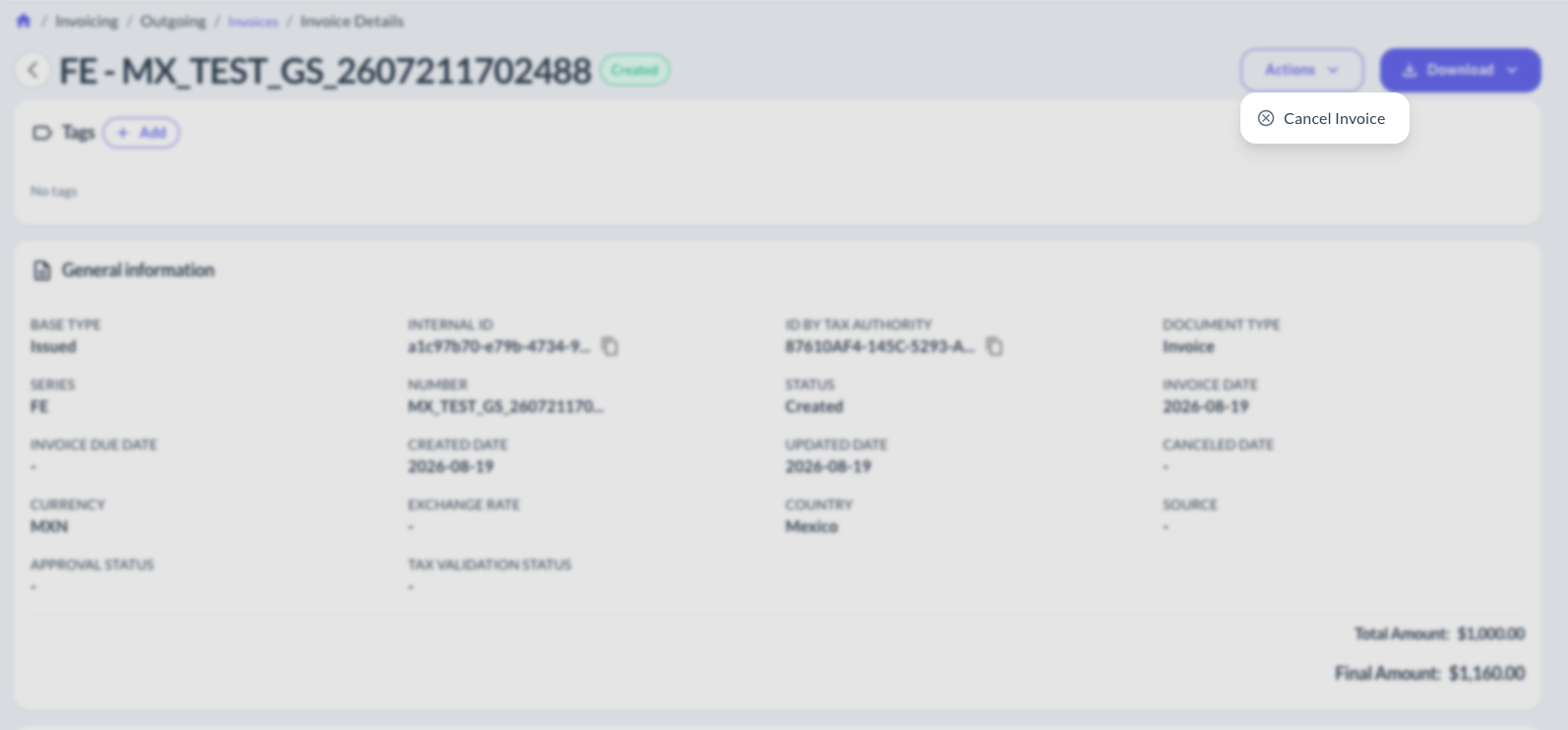
Open the invoice's detail view (Invoices > Invoice Details).
-
Click Actions ⚙️.
-
Click Cancel Invoice.
-
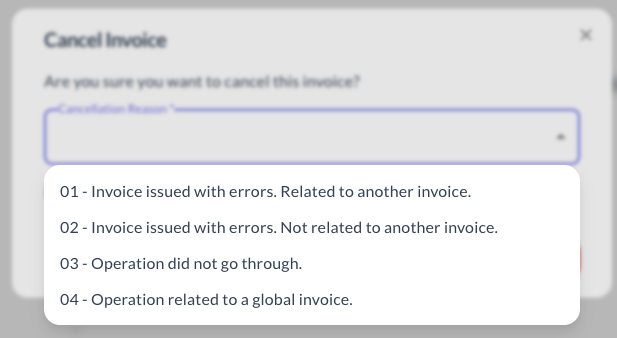
Fill in the required data (varies by country) and confirm.
Updated about 1 month ago