
Cancelling invoices from the dashboard
How to get there
-
Open the invoice's detail view (
Invoices > Invoice Details). -
Click Actions ⚙️.
-
Click Cancel Invoice.
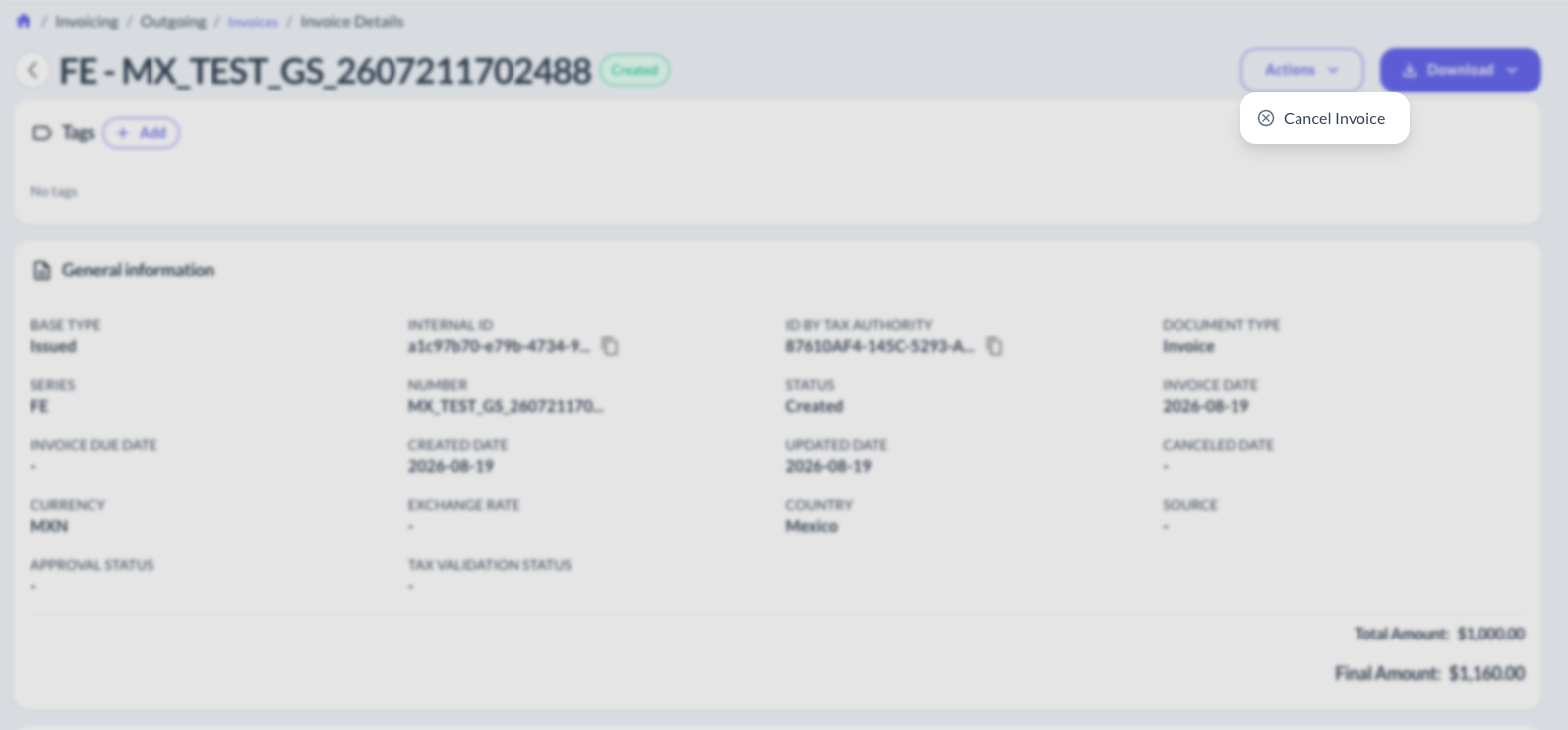
-
Fill in the required data (varies by country) and confirm.
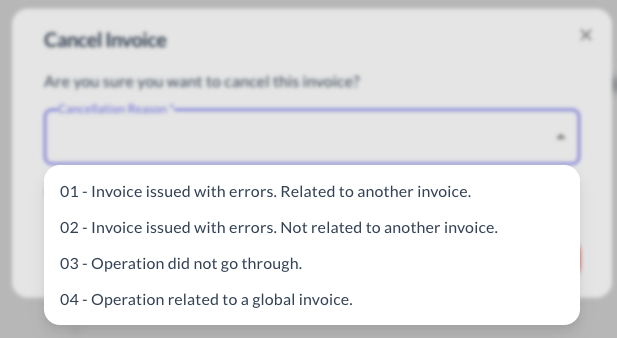
What you need to fill in — cancellation reason, whether a related invoice is required, etc. — depends on each tax authority. Check the country page below before cancelling.
🌎 Countries
| Country | Guide |
|---|---|
| 🇲🇽 Mexico | View guide → ✅ |
| 🇧🇷 Brazil | Pending — 🚧 |
| 🇵🇪 Peru | Pending — 🚧 |
Updated about 2 months ago
Did this page help you?