
Actions Button
⚡ Action Items
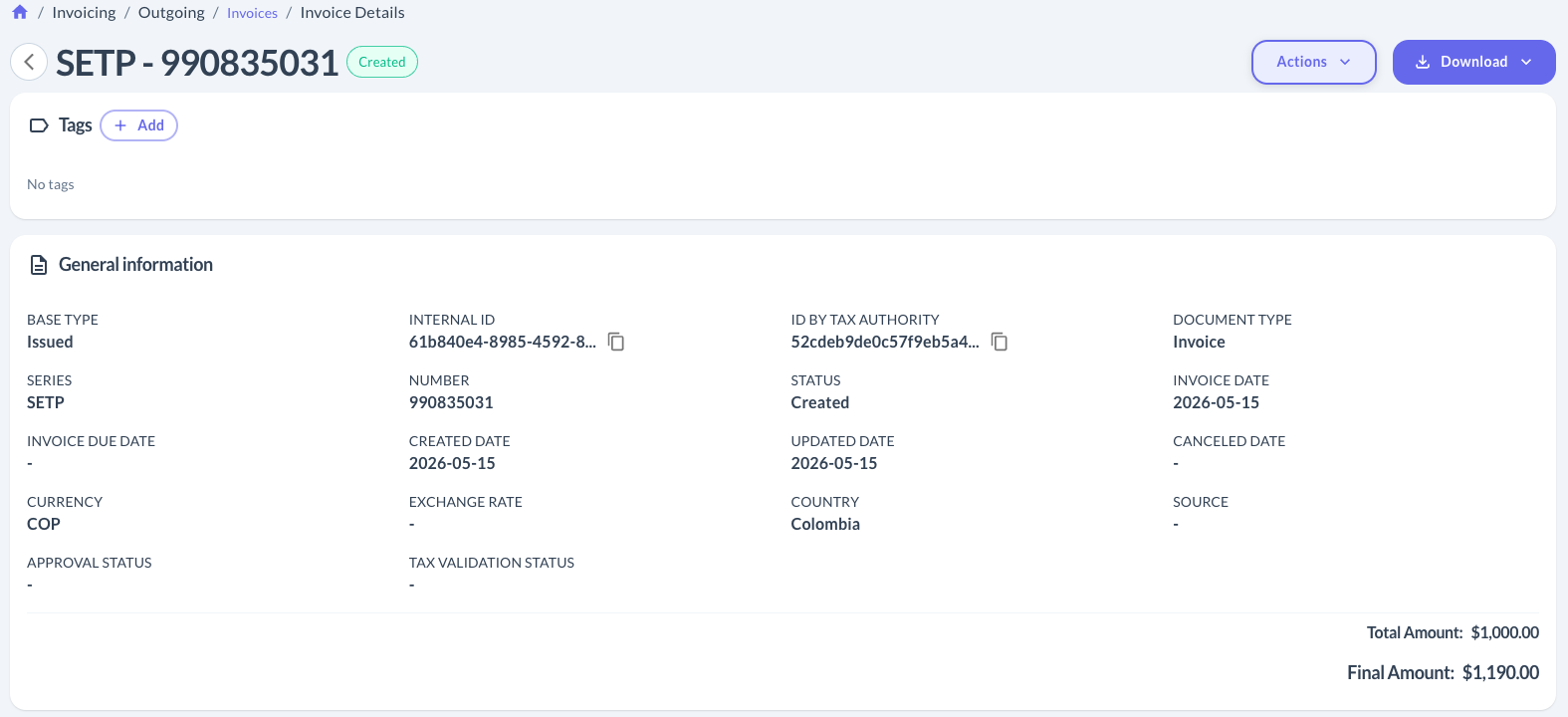
From an invoice's detail view (Invoices > Invoice Details), the Actions button lets you perform actions on the document directly from the dashboard — no API calls needed.
Available actions depend on the country and the invoice's status. Here's what's covered today:
| Action | What it does | |
|---|---|---|
| 🧾 | Create credit/debit notes | Generates a credit or debit note tied to an already-issued invoice, pulling the buyer data straight from the original. |
| 🚫 | Cancel an invoice | Cancels an issued invoice. What you need to fill in depends on the country. |
🌎 Cancellation guides by country
Updated 4 days ago
Did this page help you?